"Vibe Coding" Training
Build a real, working internal tool by describing it in plain language to an AI coding assistant — no programming background needed. Two days of hands-on building, plus the judgement to know exactly where this approach should stop.
At a glance
Describe It, and Watch It Get Built
"Vibe coding" is what people are calling the shift where you describe a tool in plain English and an AI assistant writes and iterates the working software — no syntax, no prior programming. It has genuinely changed who can build a working internal tool.
The Bottleneck Was Never the Idea
Most small internal tools — a tracker, a simple form, a one-off dashboard — never get built because IT or a developer is busy with bigger things. Vibe coding lets the person with the idea build a working first version themselves.
Iteration Replaces Syntax
The skill that matters is describing what is wrong and what you want changed, clearly and specifically — not memorising a programming language. That is a coachable skill, not a technical background.
Knowing the Limits Is Half the Skill
These tools can produce something that looks finished but is not secure, not reliable, or not appropriate for real customer data. The other half of this course is teaching exactly where that line sits.
Two Days. You Leave With a Working Tool You Built Yourself.
Built around a real internal problem you bring with you, so what you leave with is something you will actually use, not a tutorial exercise.
What "Vibe Coding" Actually Is (and Is Not)
Setting honest expectations before building anything — what this genuinely replaces, and what it does not.
What "Vibe Coding" Actually Is (and Is Not)
Setting honest expectations before building anything — what this genuinely replaces, and what it does not.
Anyone With an Idea and No Developer on Call
No programming background needed or assumed. This suits people who have a genuine internal tool they wish existed, and nobody available to build it for them.
Operations & Admin Staff
Build the tracker, checklist or simple form your team has wanted for ages
Marketing & Analysts
Prototype a dashboard or internal tool without waiting on developer capacity
SME Owners
Build and test a simple internal tool or idea yourself, before paying to have it built properly
Product & Project Leads
Prototype an idea quickly enough to test it before committing real development budget
Actually need to automate a process, not build an app?
This programme is for building a new working tool from scratch. If what you actually need is to connect and automate the tools you already use — email, spreadsheets, WhatsApp, your accounting system — our Agentic AI & Automation with n8n programme is the better fit.
A Working Tool, Built by You, Plus the Judgement to Use It Safely
A real internal tool built during the two days, and a clear sense of what this approach should and should not be used for.
- A working internal tool or prototype, built end to end during the programme
- The skill of describing a change clearly enough for an AI assistant to fix it
- A working connection between your tool and a real spreadsheet or simple data source
- A published link colleagues can actually open and use
- A clear, honest sense of what should never be built this way
- Basic security habits for anything you build going forward
- The judgement to know when a prototype is ready to hand to a professional developer
- The confidence to prototype the next idea yourself before committing a development budget
Hands-On, in a Real Computer Lab
Photographs from AISynergy training sessions. This programme runs the same way — practical, hands-on, and small enough for every participant to actually build something.
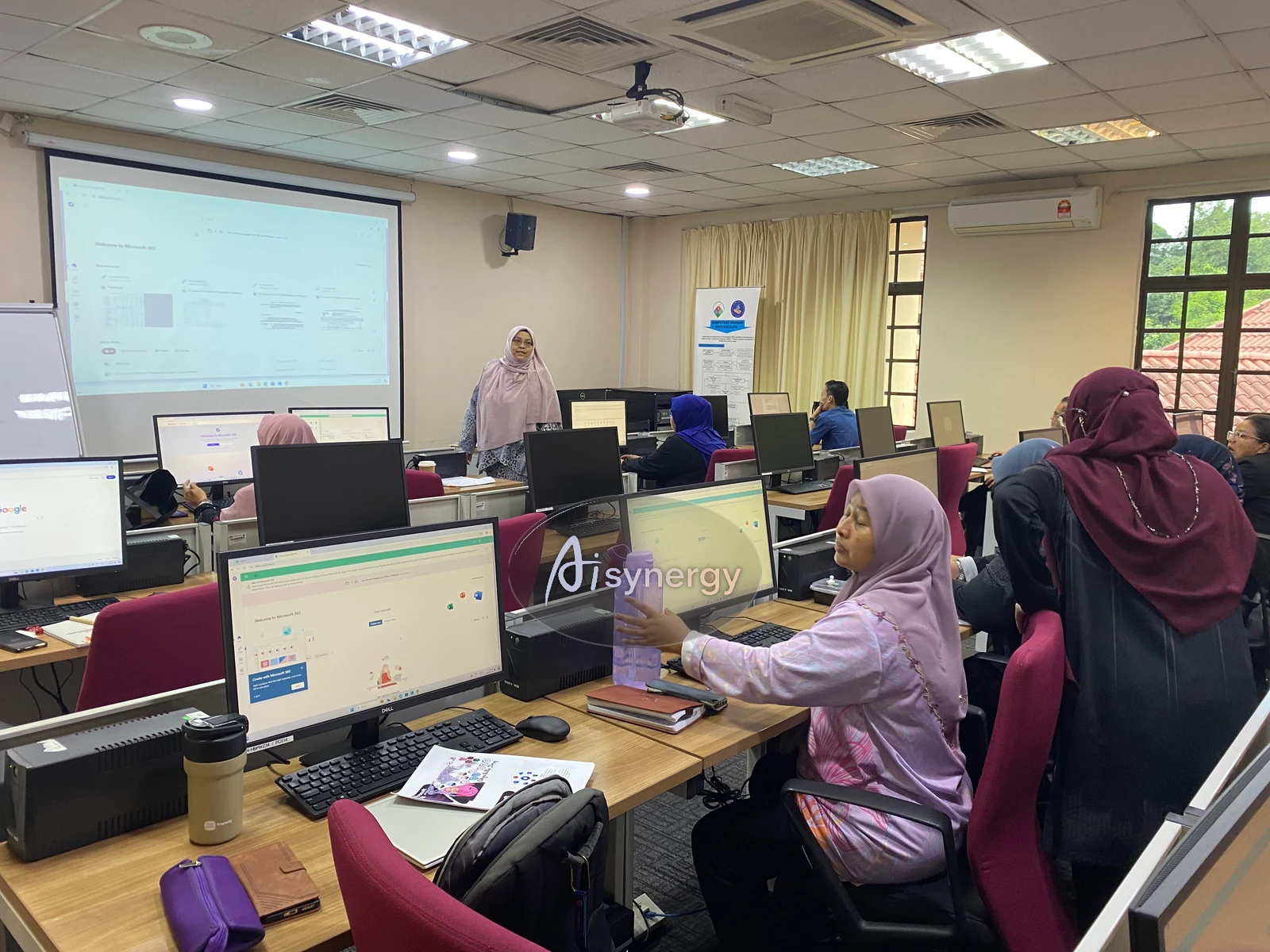
Led from the front, then practised at every desk
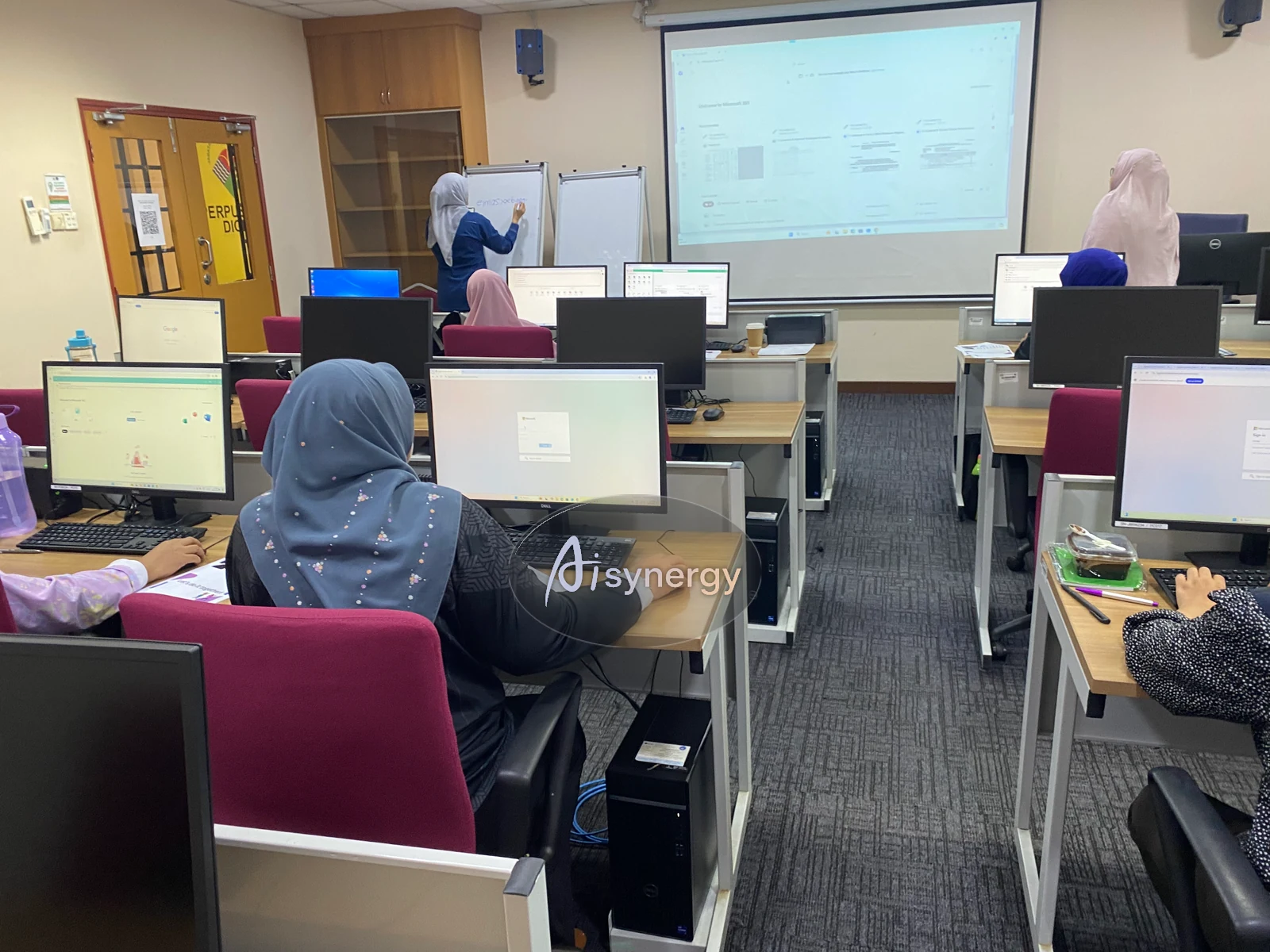
A full lab of participants working through it live
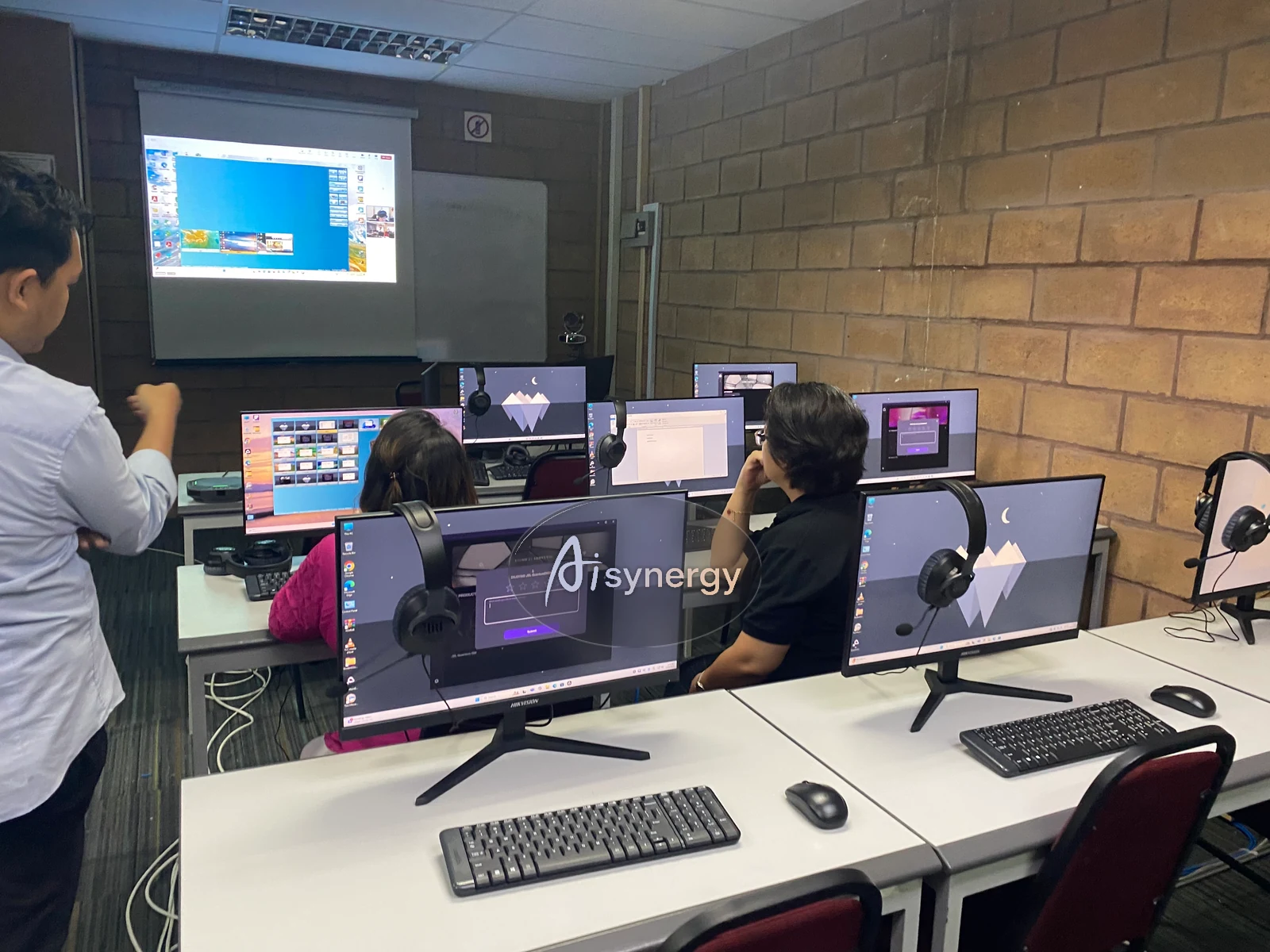
Checking in on each build as it comes together
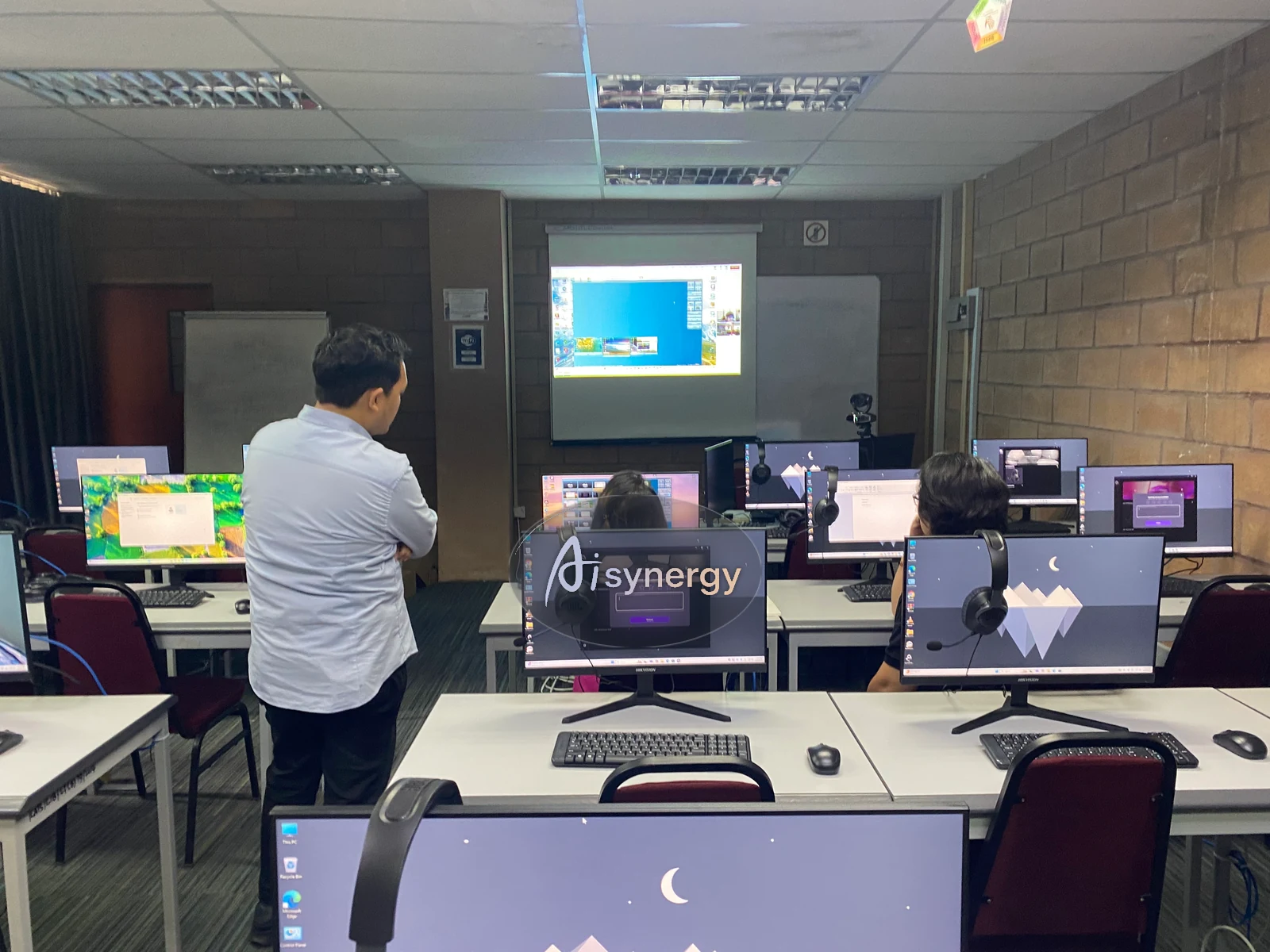
Everyone building at their own desk, live
Claimable Training, Plus Budget 2026’s Extra Deduction.
This programme is claimable under the HRD Corp SBL-Khas scheme for registered Malaysian employers. Budget 2026 also introduced a 50% additional tax deduction for MSME spending on AI and cybersecurity training, administered through TalentCorp — ask us and we will point you to the current terms.
- Training Provider Reg. 202403037477
- Full supporting documents provided for HRDC claim submission
- Attendance records and trainer profile included
- Dedicated guidance for the HRDC claim process
- Delivered in-house at your premises, or as a public session
Get the full outline as a PDF brochure
Stop Waiting for Someone Else to Build It.
Available as an in-house programme at your premises, or as a scheduled public session. Talk to us about dates.
+603 6087 5252 · aisynergy.my
This programme teaches AI-assisted prototyping for internal tools — it is not a professional software engineering qualification, and what participants build is not automatically secure, reliable, or appropriate for customer-facing use, payments, or sensitive personal data. Anything built this way that will handle real customer data, face the public internet, or matter to the business should be reviewed or rebuilt by a qualified developer before it goes into serious use.
© 2026 AISynergy Malaysia · Registration No. 202403037477